Schematic capture
Devices, connectors and nets on an adaptive schematic that lays itself out as the design grows — connectivity stays the single source of truth.

Wiring harness CAD
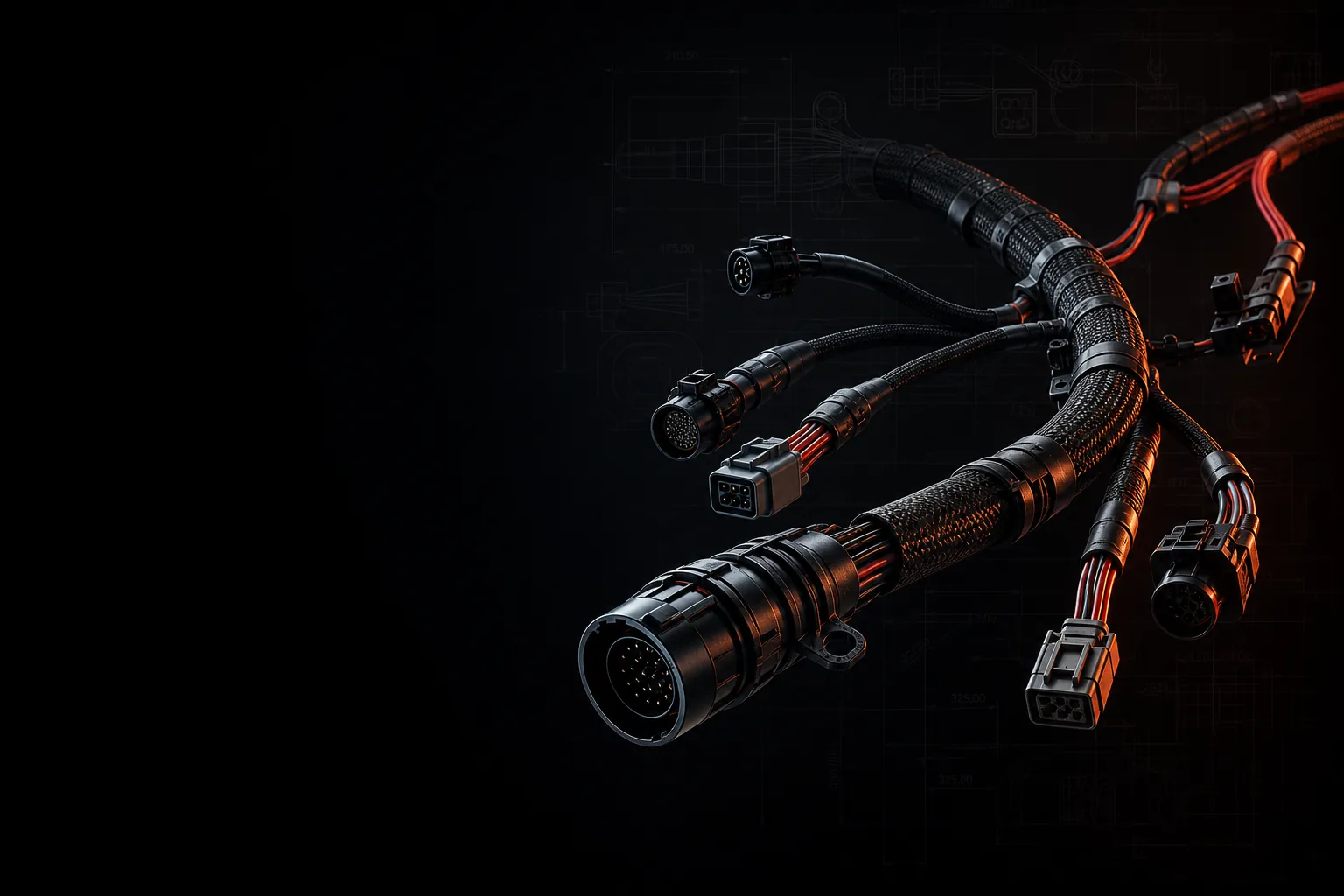
TorqCAD takes a harness from schematic capture through formboard drawings, 3D routing and design rule checks — one platform, a real parts library, nothing to install.
schematic capture harness drawings 3D routing live DRC
Capabilities
Most teams stitch a harness together across a schematic tool, a drawing package, a spreadsheet BOM and a parts folder. TorqCAD keeps design intent, drawings and parts data in one model — change it once, it's right everywhere.
Devices, connectors and nets on an adaptive schematic that lays itself out as the design grows — connectivity stays the single source of truth.
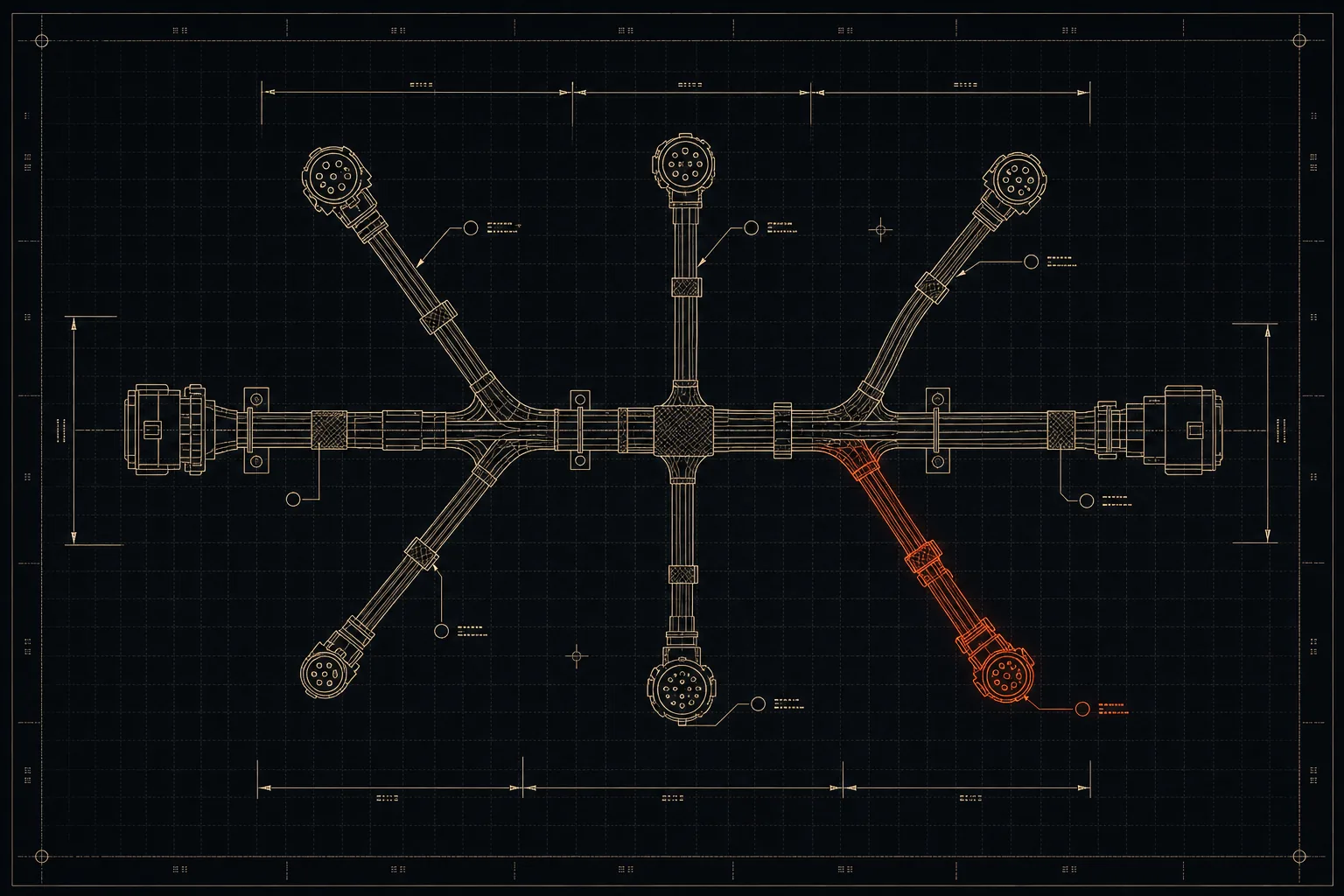
Formboard-style drawings with bundles, breakouts, dimensions and connector tables — produced from the design, ready for the build bench.
Route the loom in vehicle context, position connectors and bundles by hand, and take lengths from geometry instead of guesswork.
Live DRC flags cavity conflicts, missing mates and connectivity errors while you draw — not after the loom is on the bench.
A deduplicated connector catalogue keyed by real part numbers — images, mating parts and cavity data shared across every programme.
Netlists, bills of materials and transmittal PDFs straight from the model, so what ships to the bench matches what's on the screen.

3D routing
A 2D drawing can't tell you the trunk fouls the seat rail. TorqCAD's 3D viewer puts the harness in vehicle context — route bundles, place connectors and check clearances before anything is cut or crimped.
Drawings & checks
Every drawing is generated from the same model the schematic and 3D viewer use — with design rule checks running as you work. Errors surface at design time, when they cost minutes instead of looms.
Platform
No installs, no licence dongles, no CAD workstation required. If the machine runs a browser, it runs TorqCAD.
Each customer programme gets its own branded workspace and parts library, with access controlled per member.
Connectors are catalogued once, by part number, and reused everywhere — no duplicate parts drifting between projects.
An in-app assistant that can see your drawing — ask it what a DRC error means or how to do something, in context.
Early access
TorqCAD is in active development with pilot programmes in motorsport and low-volume vehicle manufacturing. If that sounds like your build, we'd like to show you the platform on a design you know.
Request a demo hello@torqcad.com